How to get your app found with ASO
 Koen Van Looveren
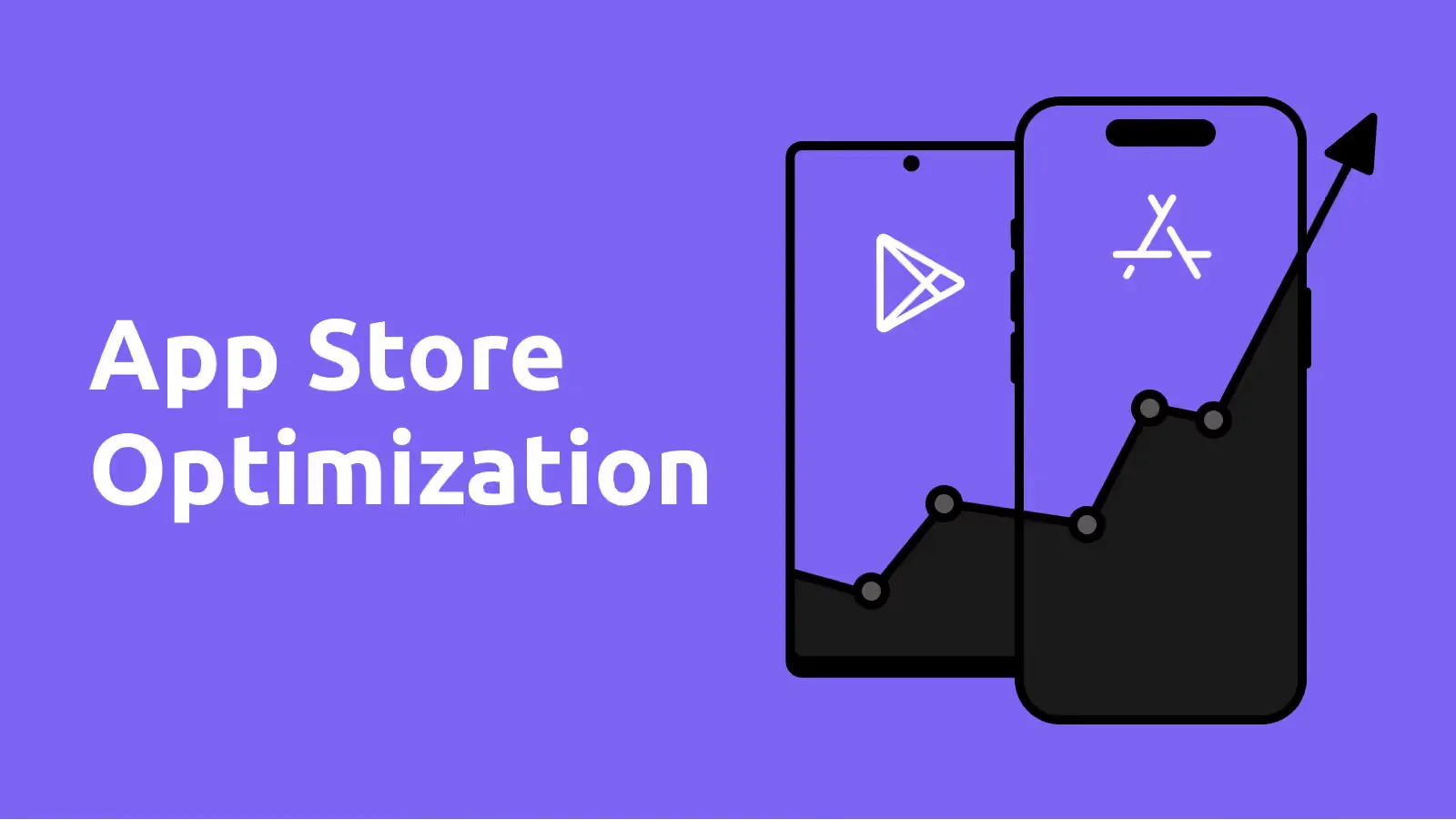
Most people find apps by searching in the App Store or on Google Play. App Store Optimization (ASO) is making sure they find yours, and then download it. It is SEO for app stores: what your listing says decides whether you show up, and what it shows decides whether people tap Install.
The two halves of ASO
- Being found: the words in your listing match what people search for.
- Being chosen: your icon, screenshots and ratings convince them in the few seconds they look.
What each store reads
From Apple's product page guide and Google Play's metadata policy:
| App Store | Google Play | |
|---|---|---|
| Name / title | 30 characters, searched | 30 characters, searched |
| Subtitle / short description | subtitle: 30 characters, searched | short description: 80 characters, searched |
| Keywords | a hidden keyword field of 100 characters | no keyword field: Google reads your description |
| Description | up to 4,000 characters, for people; Apple ranks on name, subtitle and keywords | up to 4,000 characters, used for search |
| Can change without an update | promotional text (170 characters) | the whole store listing |
| A/B testing | Product Page Optimization | store listing experiments |
| Pages per audience | custom product pages | custom store listings |
Being found
- Start with what people type, not what you call your features. "Recipes with what's in my fridge" beats "Smart Pantry".
- Put your most important words in the name and subtitle. Those weigh the most in both stores.
- App Store: use the keyword field well. Separate words with commas and no spaces, don't repeat words that are already in your name or subtitle, and use singular forms.
- Google Play: write a description for people that naturally uses your keywords. Stuffing them in gets you nowhere.
- Localize. Every language has its own listing and its own searches; a Dutch listing for Belgium and the Netherlands often wins more than a translated English one.
Being chosen
- An icon that stands out at the size of a fingertip, next to the apps around it.
- Screenshots that sell: on the App Store, the first one to three screenshots show up in search results when you have no preview video, so lead with the main benefit and a short caption.
- Ratings and reviews. Ask for a rating in the app at a good moment, with Apple's and Google's own in-app review prompts (iOS shows it at most three times a year), and reply to reviews.
- A preview video for apps that are easier to show than to explain.
Measure and test
Both stores show how many people see your listing and how many install. Change one thing at a time and test it: Product Page Optimization in App Store Connect and store listing experiments in the Play Console show your variants to part of your visitors. Custom product pages and custom store listings let you show a different listing to a specific audience or campaign.
Don't forget the basics
A fast, stable app with good reviews ranks better over time. Google Play even shows apps with poor Android vitals less, like a high crash rate. Crashes and one-star reviews undo any keyword work.
Launching an app and want it to be found? We build and release apps for both stores, store listing included.